Create QR codes as well
The Create screen makes QR codes from any text, with ready templates for Wi-Fi, email and contact cards. You can change the colors, margins and error correction level.
What you enter is exactly what gets encoded, with no redirect link added to your code.
Frequently asked questions
Is this QR code scanner really free?
Yes. It is freeware with no paid version, and the source code is published under the Apache 2.0 license.
Does the scanner work offline?
Yes. It reads and creates codes on your PC without a network connection.
Do I need to install it?
No. It is a portable app: download the ZIP, extract it and run the program.
Do I need a webcam to scan a QR code on my PC?
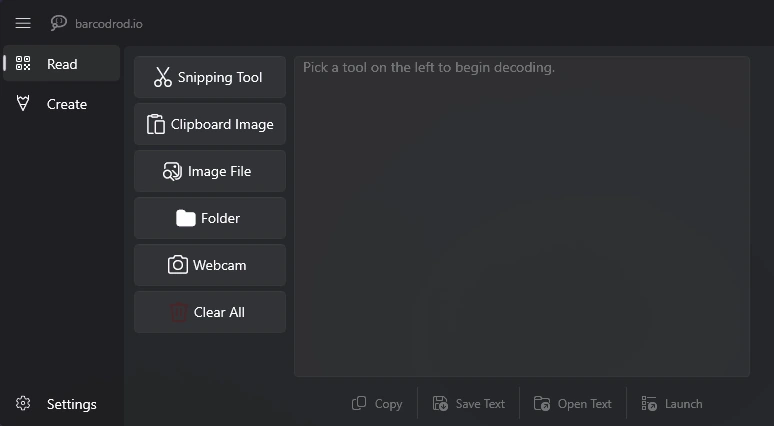
No. A webcam is only needed for camera scanning. You can also read codes from your screen, an image file or a picture copied to the clipboard.
Are my images uploaded anywhere?
No. Images are processed locally, and decoded or generated data is not collected.
Can it read a QR code from a screenshot?
Yes. Paste the screenshot from the clipboard or open the saved file. The image guide covers each way.
Which versions of Windows are supported?
Windows 10 and Windows 11, 64-bit. There is no Mac or Linux version.
Which barcodes can it read?
17 types, including QR Code, Code 128, Code 39, EAN-13, UPC-A, Data Matrix, PDF417 and Aztec.
 QR Code Scanner for PC